How it works in your cafe.
Steps 1 to 4 happen behind the counter, and we do them for you. Steps 5 to 8 happen at the table, on your customers’ phones. Tap a number to jump to it.
1–4 Behind the counter5–8 At the table
Behind the counter, we set it up.
- 1
We import your games
We pull in your public BoardGameGeek collection, with each game's player count, play time, complexity, categories and mechanics. Recommendations only ever come from that list.
- 2
We add the rulebooks
We find a PDF rulebook for each game and upload it. Rules answers come only from those pages. A game without a rulebook shows as "Not available yet" until it has one.
- 3
Your page goes live
Your cafe gets its own address, like yourcafe.meeplehelper.co.uk, with your cafe's name at the top of every screen.
- 4
You put codes on the tables
We send you a QR code image that opens your page. Print it on your table cards. That's the only part you do.
Then your customers take it from there.
These are real screens from Boardroom Gaming Cafe, our first cafe, with its own catalog.
- 5
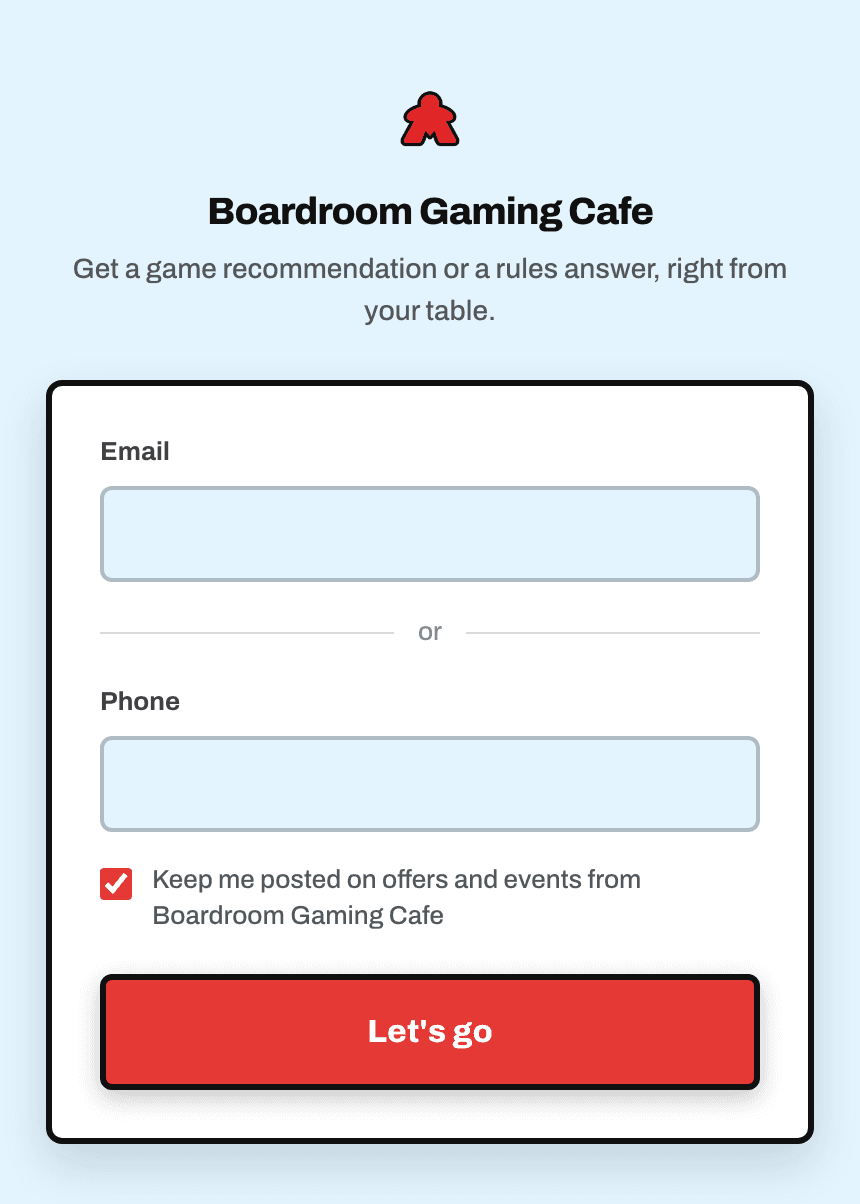
Scan and say hello
A customer scans the code on their table and it opens in their phone's browser. They enter an email address or phone number once, and they're in for the next 12 hours. There's no app to download.
- 6
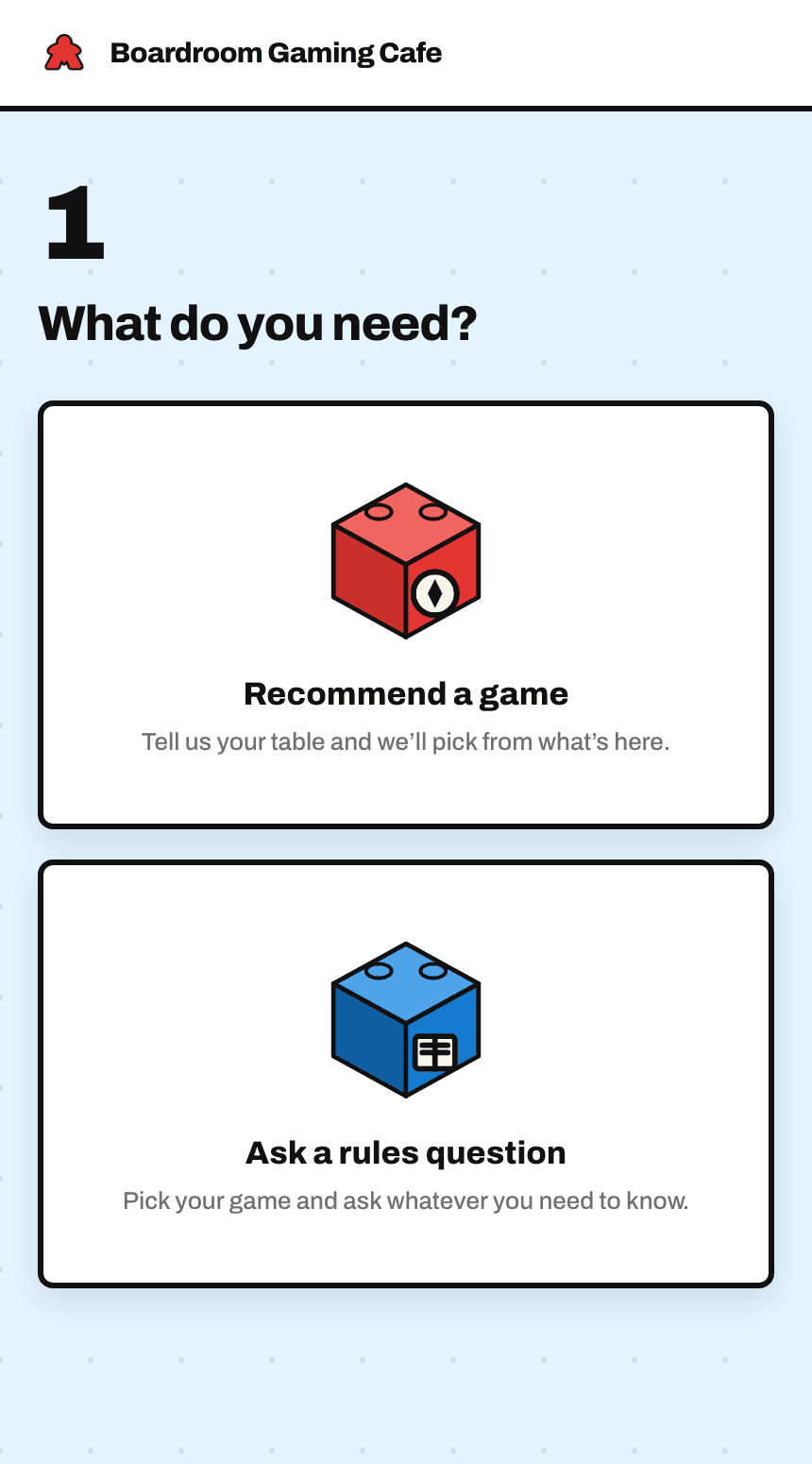
Choose what they need
A game to play, or an answer to a rules question.
- 7
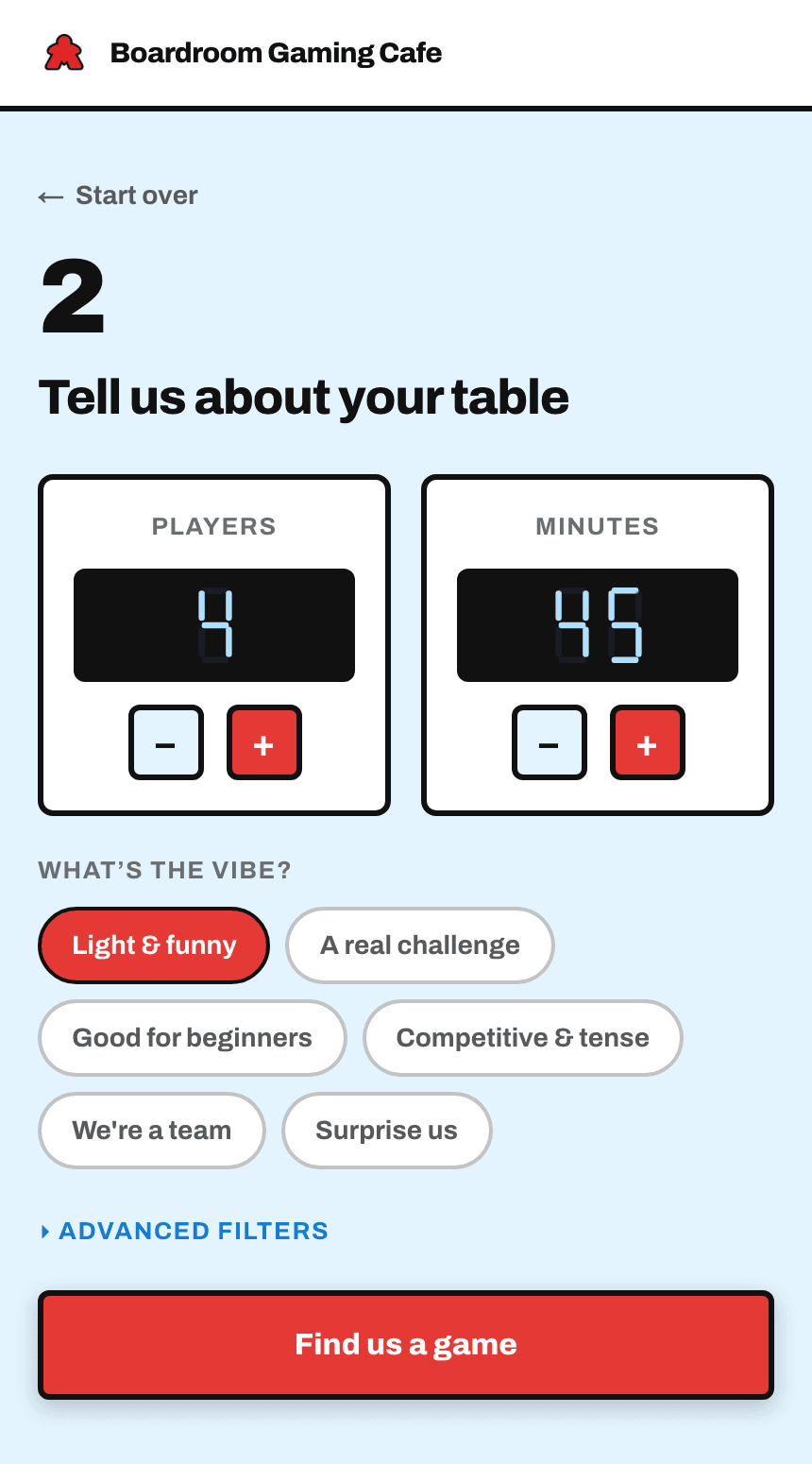
Get games off your shelf
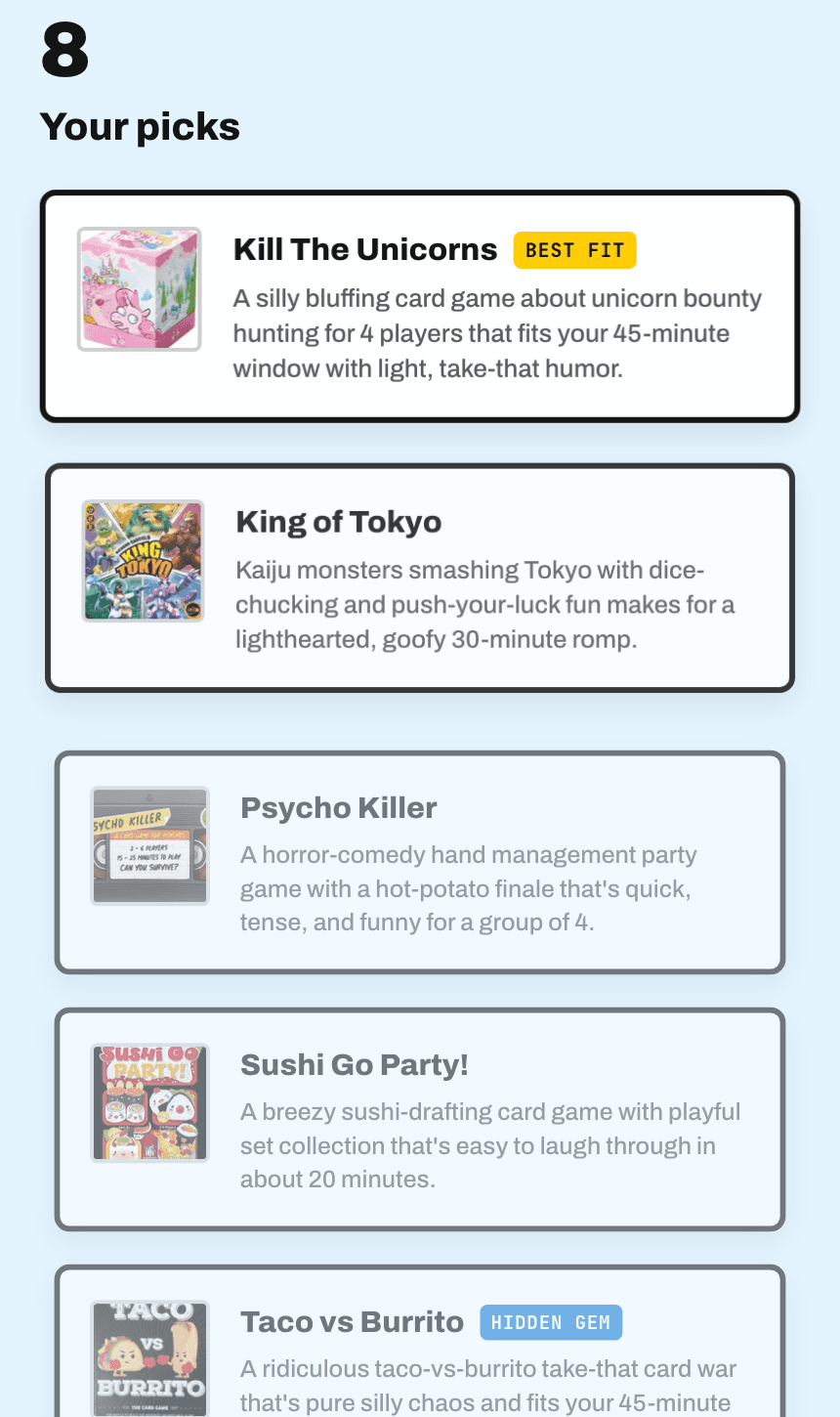
They set how many are playing, how long they've got and the mood they're in. MeepleHelper suggests games from your collection, each with a one-line reason it fits.
- 8
Settle a rules question
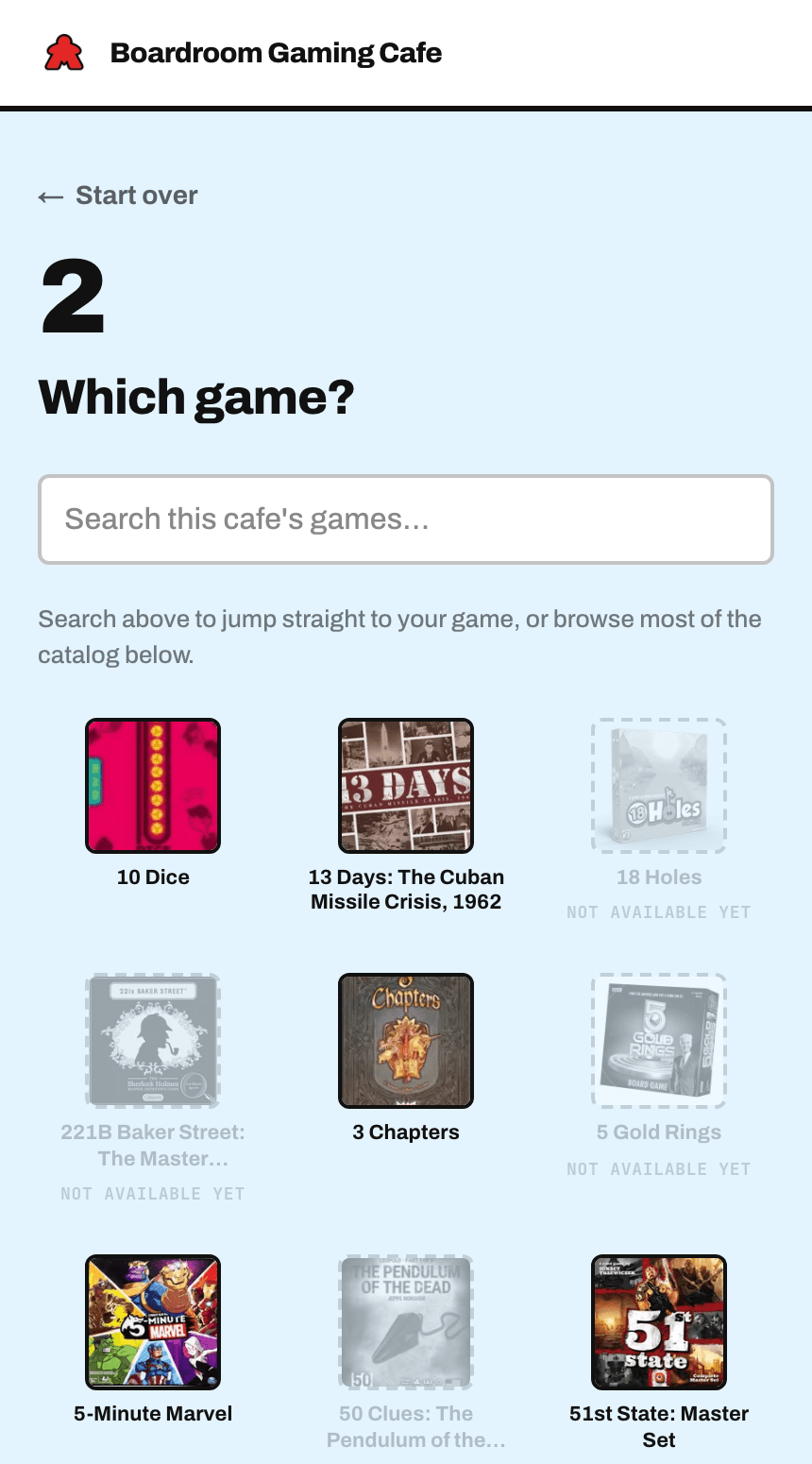
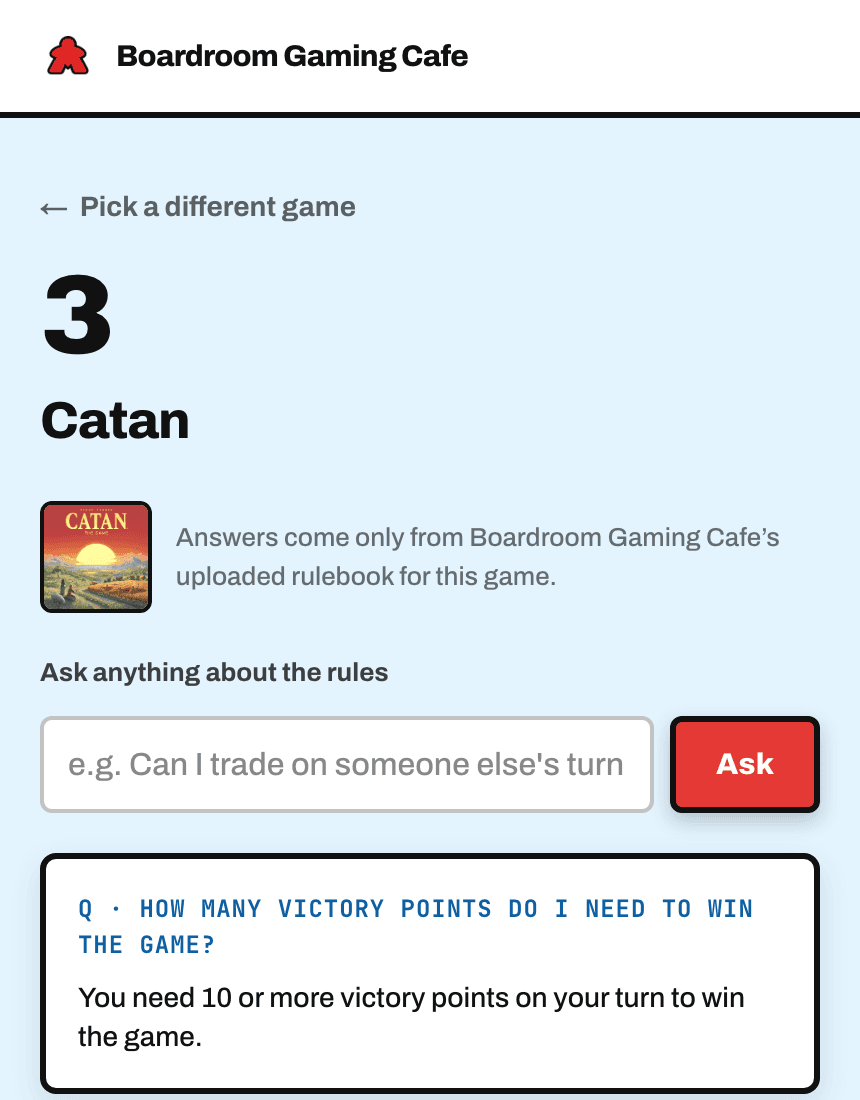
They pick the game and ask. The answer comes from that game's rulebook, and when there's a PDF they can open the full rulebook from the same screen to check.
We build it. You print the table cards.
30 days free, then £50 a month. The £195 setup fee is waived for now. Questions first? Read the FAQ.